Introducing Digger
An introduction to my digital modes FT8 client built to run on a uConsole-style form factor.
I’ve been interested in amateur radio ever since I was a teen but I finally got my license—it’s opened up a whole world of scientific experimentation and I’m having a ton of fun with it. One of the things I’ve really gotten into are digital modes of communication over the radio waves. I’ve been experimenting with a digital mode called FT8, which works well in places with a lot of background noise, like NYC.
I’ve been putting together a portable HF radio station, which has been primarily based around the Xiegu X6100 radio. I’ve got a portable power set up for it, and a few easily portable antennas. The idea is to be able to take a radio pack to places a bit less noisy than my apartment, and to take part in contests like Parks on the Air and Summits on the Air.
I didn’t want to lug a laptop around with me, so I decided to build something in a smaller form factor to bring around. I settled on a Clockwork uConsole, but the smaller screen size wasn’t going to work well with any of the existing FT8 software that I’d found — so I decided to build something.
I had some AI based assistance getting this off of the ground, but I really want to understand the digital signal processing involved in these modes, so I am slowly working through the bits I didn’t code and rebuilding them.
I’m not sure if this is something I’ll ever release, but, it’s definitely helping me learn a lot, and it’s given me the FT8 (and maybe eventually more!) client of my dreams.
So, without further ado, introducing digger (named before the movie came out!)
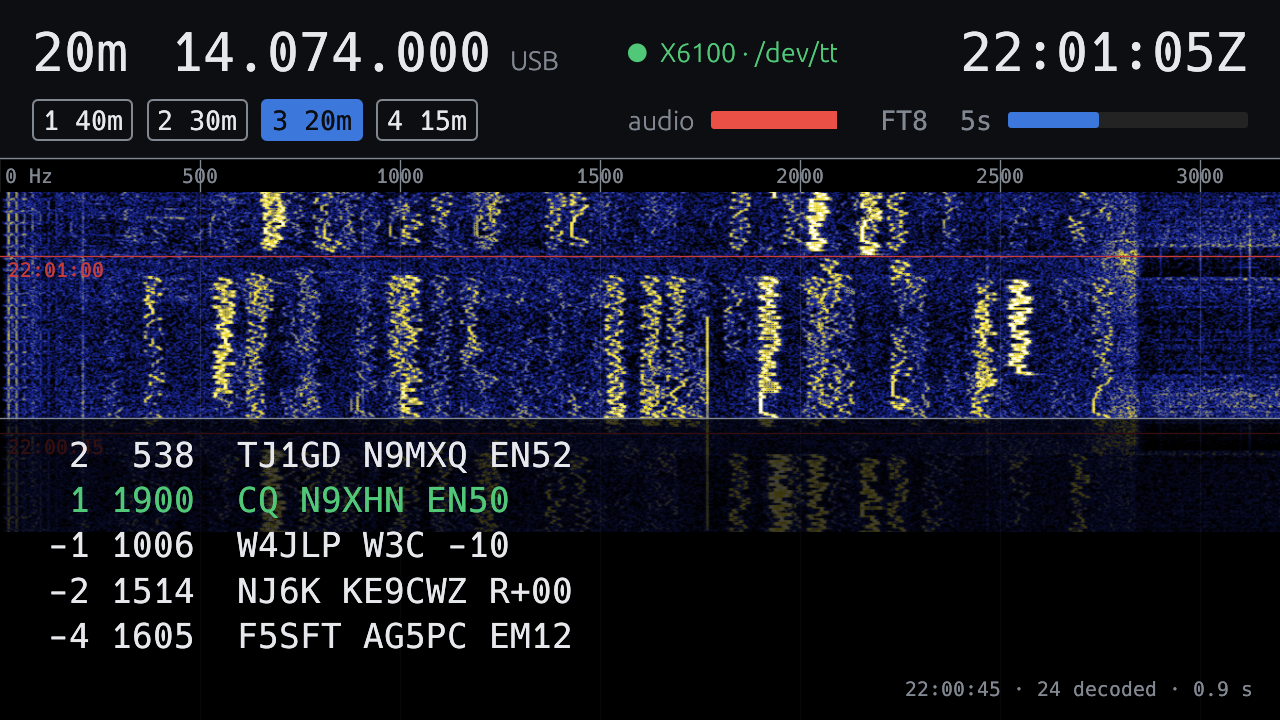
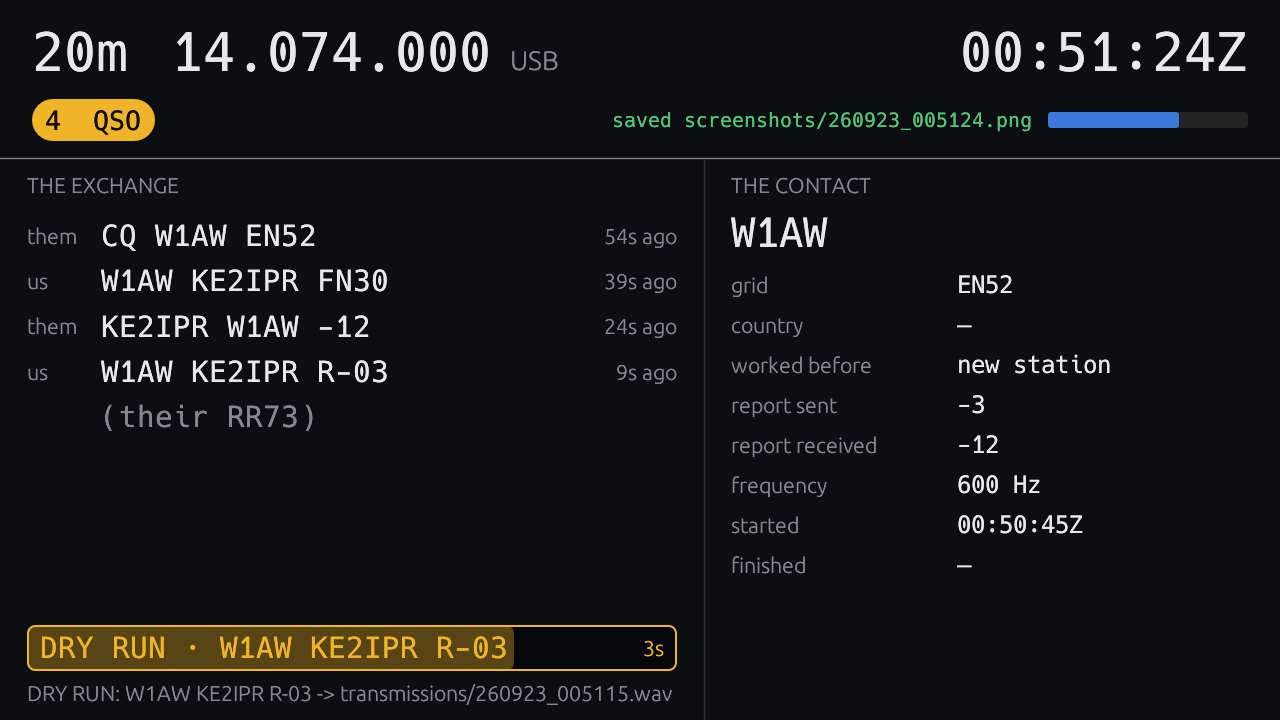
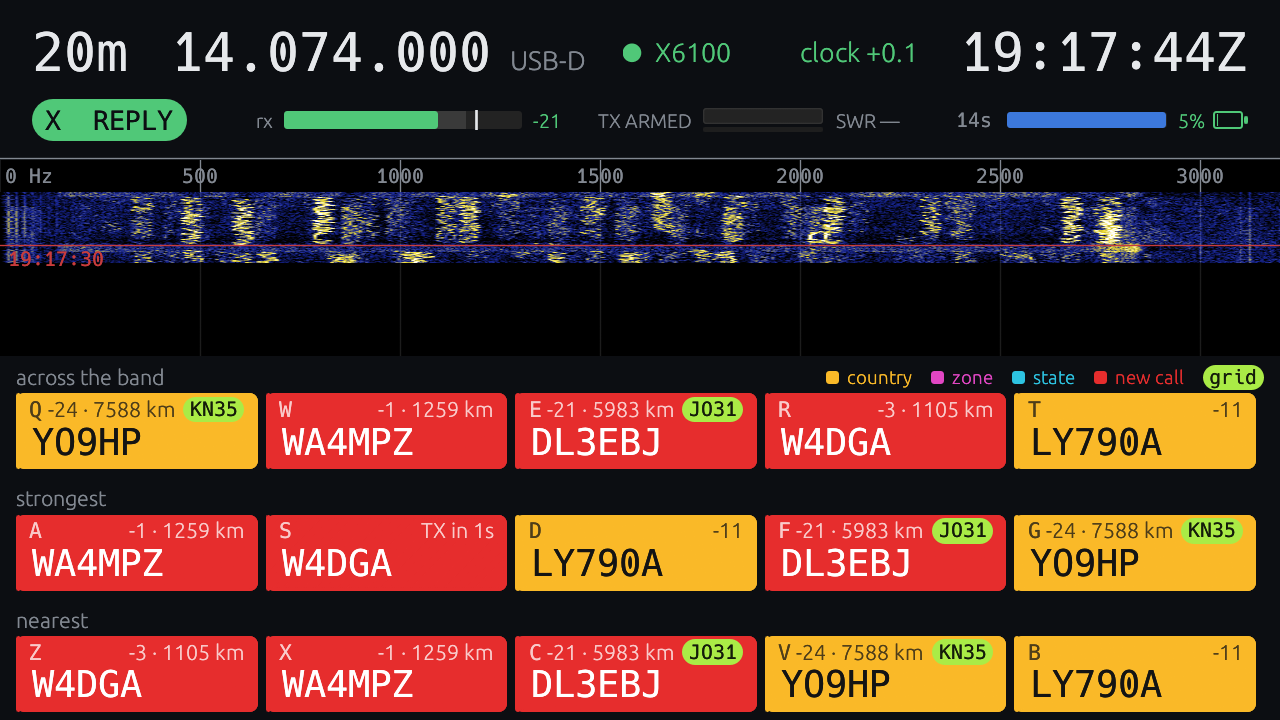
The main idea for designing the app was to support the various phases of FT8 communication without trying to fit everything in on one screen. The main four views are:
- A “home” view with band selection and basic waterfall/decoding displays.
- A “reply” view that listens for CQs and displays them for quick selection for replies.
- A “CQ” view that allows me to initiate conversations and then select who to communicate with when replies come in.
- A “QSO” view to drive the communication once a conversation begins.
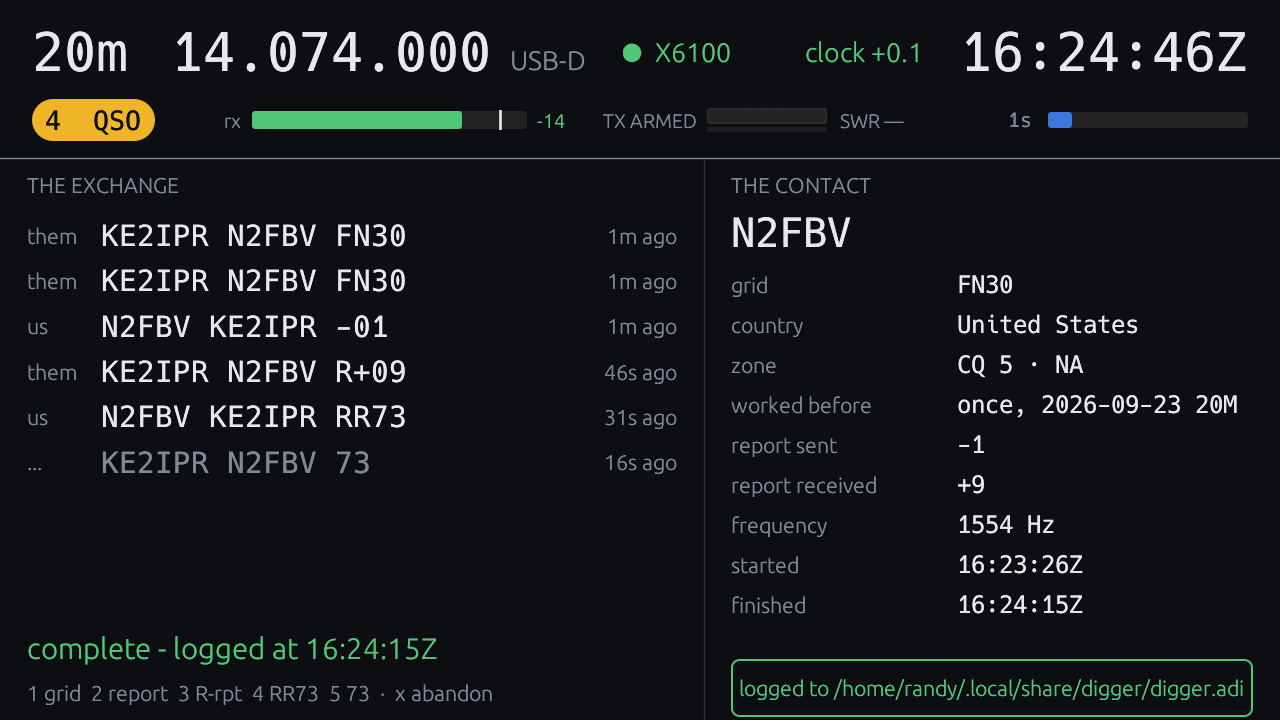
The app’s been working very well, and is even logging contacts directly to QRZ!
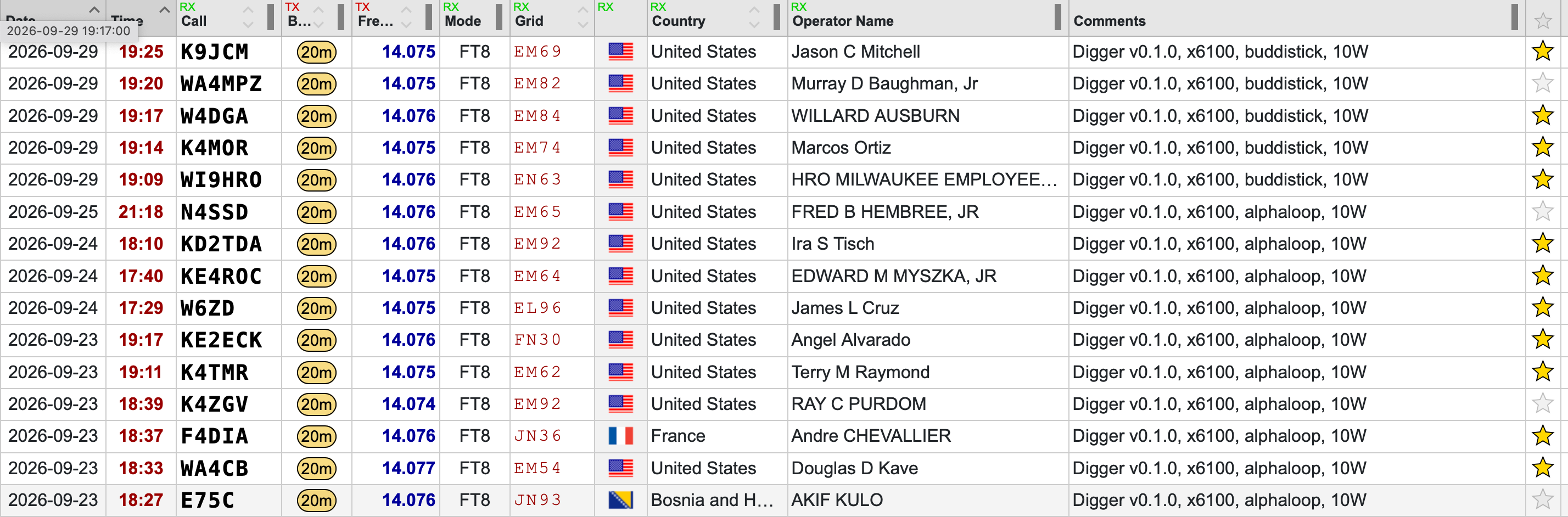
I’ll post more soon about the additional features I’ve added to bring the app to v1.0, including multiple radio support (X6100 and FT-891), PSKReporter integration, logging, POTA support, contesting and award displays, and more!